


“Why do my wrists feel like they’ve been lifting weights?” That was my first thought one night after wrapping up a full day of tutoring sessions and writing deadlines. I wasn’t doing anything extreme—just typing, moving my mouse, and tapping on a tablet for hours. But the dull ache? That was new.
If you work from home, you probably know the setup struggles. Kitchen tables doubling as desks. Chairs that weren’t designed for sitting eight hours straight. It’s easy to shrug off a little stiffness in your hands or wrists. After all, what harm could a bit of typing do? But here’s the thing—those tiny twinges could be your body waving a red flag: carpal tunnel syndrome.
This isn’t just some fancy term doctors throw around. It’s a real problem for a lot of remote workers, and it can sneak up on you faster than you’d think. The good news? It’s not something you have to live with. In this article, we’ll break down what it is, why working from home makes it worse, and what you can do before that nagging pain turns into something serious.
What Is Carpal Tunnel Syndrome?
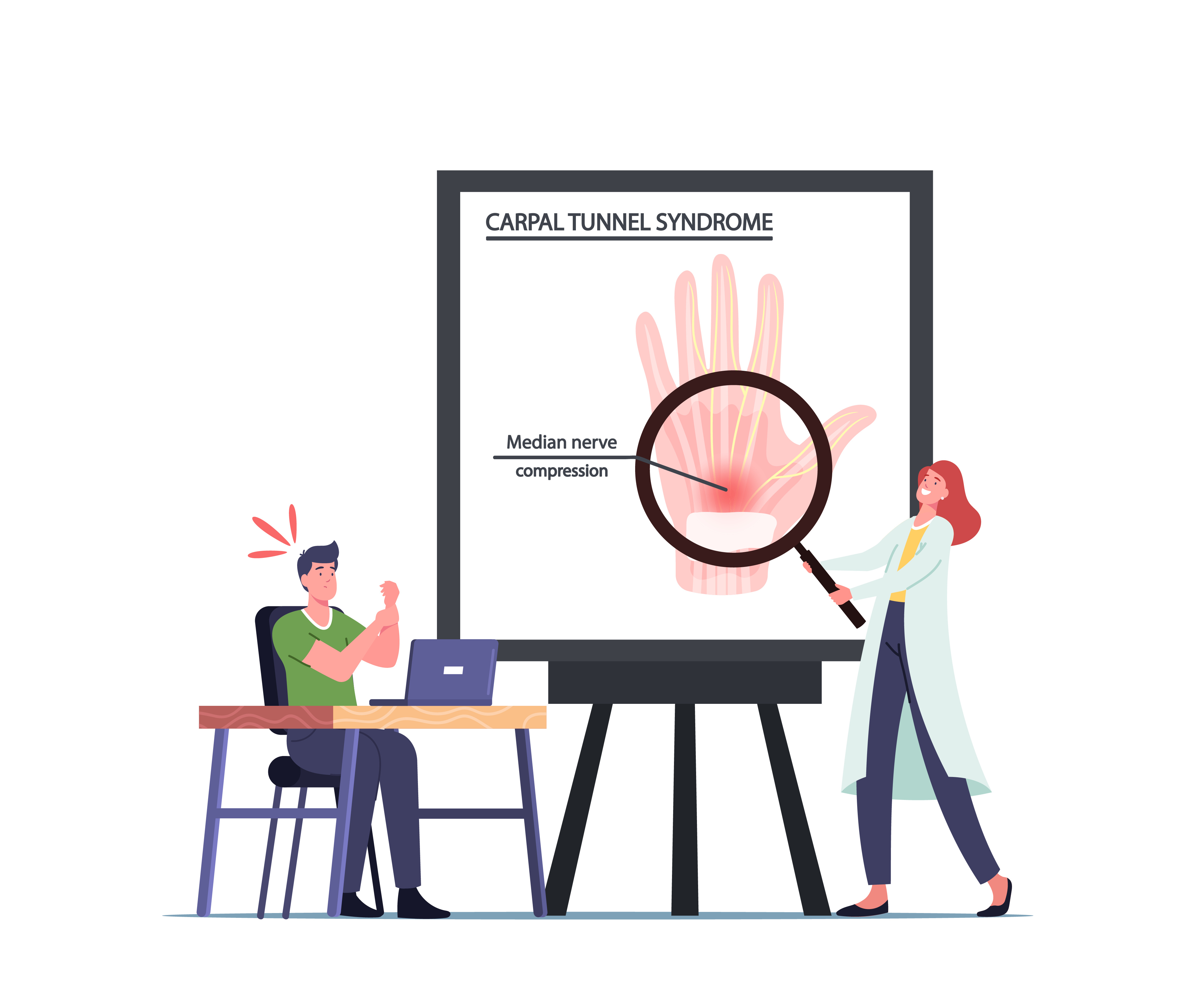
Carpal tunnel syndrome happens when the median nerve—the one that runs through your wrist—gets squeezed or irritated. This nerve controls feeling and movement in your thumb and most fingers, so when it’s under pressure, things can get uncomfortable fast.
Here’s a common scenario: You’ve been working for hours, fingers flying on the keyboard, scrolling through endless emails. Suddenly, your hands feel heavy, and you notice that weird tingling again. You shake them out, hoping it goes away. But later, while trying to fall asleep, your hands start buzzing like a phone on silent mode. That’s often how carpal tunnel begins—quiet at first, then loud enough to disrupt your day (and night).
Why does it happen?
It is mostly caused by repetitive movements—typing, texting, and holding a mouse for hours—combined with poor wrist positioning. The condition doesn’t show up overnight, but once symptoms kick in, they usually stick around unless you make changes.
Why Working from Home Increases the Risk
Remote work sounds comfortable—no commute, cozy clothes, your favorite coffee mug always within reach. But here’s the catch: most home offices weren’t built for eight-hour workdays. That matters because your setup can make or break your wrist health.
Non-Ergonomic Workstations
Picture this: you’re sitting at the dining table with your laptop. Your elbows are raised like chicken wings, and your wrists are bent upward as you type. Or worse, you’re on the couch, laptop on your lap, arms tucked in awkward positions. These setups force your wrists into unnatural angles, and over time, that constant strain adds up.
Long Hours Without Breaks
In an office, you’d probably walk around more—grab coffee, chat with coworkers, take lunch away from your desk. At home? You’re likely glued to the screen longer. No quick walks to a meeting room, no hallway conversations. That means your hands and wrists get fewer breaks.
Increased Typing and Mouse Time
Remote work usually means more written communication—emails, chat messages, reports. Every extra keystroke is extra work for your wrists. Add in online meetings where you’re constantly clicking to share screens or take notes, and it’s easy to see how the strain builds up.
Distractions and Multitasking
Ever answered emails while holding your phone or tried typing with one hand while balancing a snack in the other? These awkward positions don’t seem harmful in the moment, but over weeks and months, they contribute to wrist problems.
Signs You Shouldn’t Ignore
Carpal tunnel rarely starts with sharp pain. Instead, it creeps in with subtle symptoms that are easy to brush off. Here are the warning signs:
- Tingling or Numbness: Most common in the thumb, index, and middle fingers. It may feel like your hand “fell asleep.”
- Hand Weakness: Struggling to grip a coffee mug or dropping your phone for no reason.
- Nighttime Discomfort: Waking up because your hands feel tingly or achy.
- Stiffness After Work: Feeling the need to shake your hands after hours of typing.
If these show up often, your wrists are telling you they’re overworked. Ignoring the problem won’t make it disappear—in fact, it usually gets worse.
How to Prevent Carpal Tunnel While Working from Home
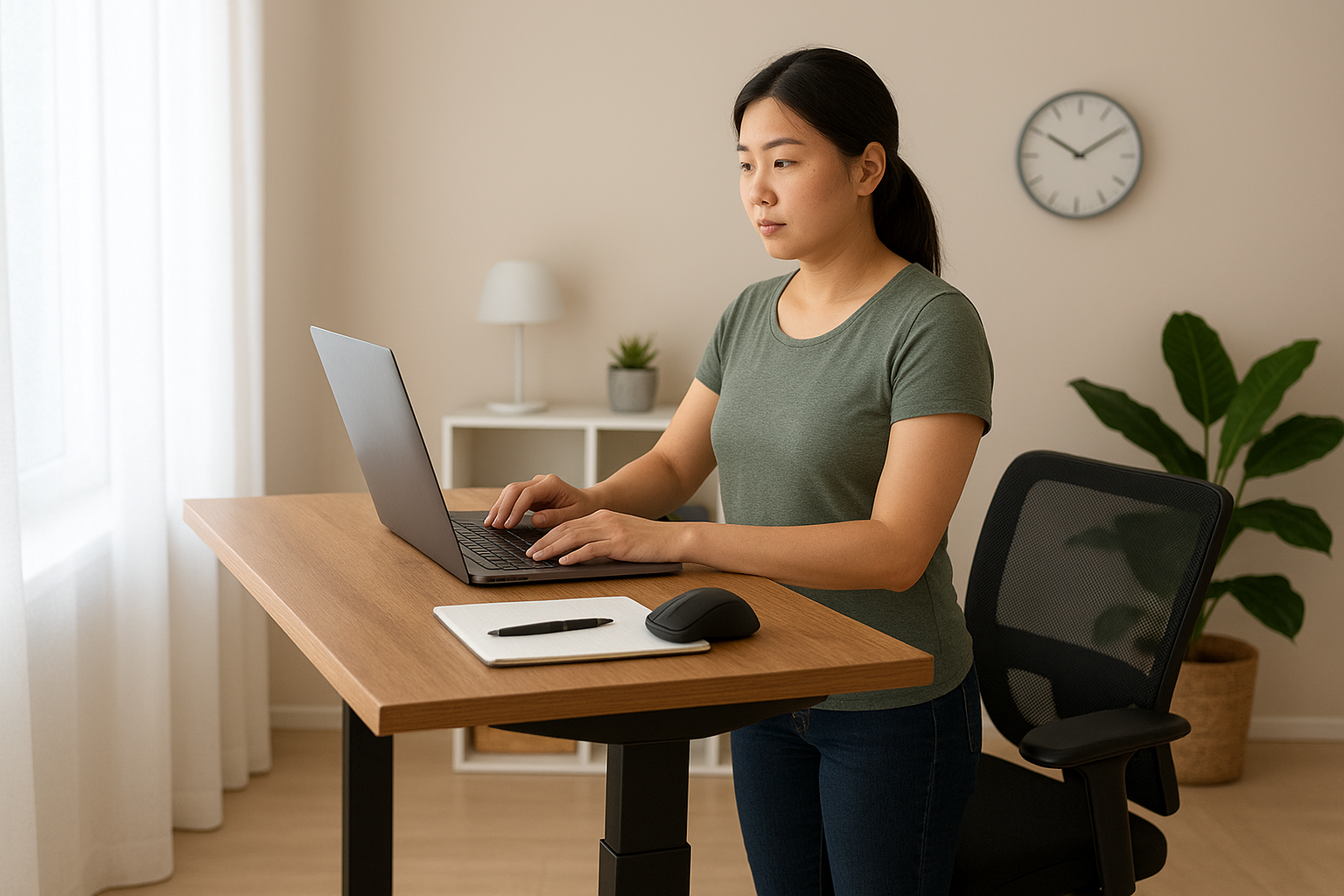
Small changes can make a big difference. Here are simple ways to protect your wrists:
1. Fix Your Setup
- Keep your keyboard at elbow height, wrists straight—not bent up or down.
- Raise your screen to eye level so you’re not hunching.
2. Use Wrist-Friendly Tools
- I switched to an ergonomic mouse, and it’s a game-changer. If you can, invest in one.
- Wrist rests also help keep your hands in a neutral position.
- Honestly, I dream of buying one of those height-adjustable desks—the kind with buttons so you can work standing up when sitting feels too much. If that’s in your budget, it’s worth it.
3. Take Micro-Breaks
- Every 20 minutes, pause for 20 seconds. Shake your hands, stretch your fingers, or roll your wrists.
4. Stretch Often
- Try this: Extend your arm, palm up. Gently pull your fingers down with the other hand for a quick stretch.
5. Watch Your Posture
- Sit with your back supported and shoulders relaxed. Poor posture affects your wrist angle too.
These tweaks are easy to start today and can save you a lot of pain later.
Treatment Options if You Already Have Symptoms
If your wrists already hurt, don’t panic. There are things you can do before it gets worse:
1. Take Breaks and Rest Your Hands
Give your wrists a break. Step away from the keyboard every hour. Even a few minutes can help.
2. Try Wrist Splints
Wrist splints keep your hands in a neutral position and reduce pressure on the nerve. Many people wear them at night to avoid bending their wrists while sleeping.
3. Use Ice Packs
Apply an ice pack to your wrist for 10–15 minutes to reduce swelling and ease pain.
4. Gentle Stretches and Exercises
Slow wrist rotations, finger stretches, or squeezing a stress ball can help improve flexibility. Don’t overdo it—if it hurts, stop.
5. Reduce Repetitive Strain
If you can, alternate tasks. Voice-to-text tools are also helpful for reducing typing time.
6. When to See a Doctor
If the pain keeps coming back or your grip feels weak, it’s time to see a professional. Treatments can include physical therapy, medication, or in severe cases, surgery.
Catching it early makes all the difference—don’t wait until it affects your daily routine.
Final Thoughts
Your hands do so much for you every day—doesn’t it make sense to take care of them? A few simple habits now can spare you a lot of trouble later. What’s one small change you’ll make to keep your wrists healthy today?
 From My Corner of the Couch