


A good laptop can make all the difference when working from home. Whether you’re juggling multiple tabs, hopping on video calls, or trying to meet deadlines without technical hiccups, having a reliable device keeps everything running smoothly.
As a full-time content writer and a part-time ESL tutor for Japanese students, I depend on my laptop daily. From writing blog posts to teaching English, I need a machine that won’t lag, crash, or force me into an impromptu break because it’s “not responding.”
An efficient laptop helps you stay productive, work faster, and avoid the unnecessary stress that comes with sluggish performance. If you’re working remotely (or thinking about it), investing in a good laptop is one of the smartest moves you can make. Let’s explore why it matters and how it can make your work-from-home setup so much better.
1. Smooth Multitasking and Performance
Remote work often means juggling multiple tasks at once. You could be writing reports while keeping Slack open for team updates, running Zoom meetings, and having a dozen Chrome tabs loaded with research. If your laptop isn’t built for that kind of workload, expect lag and frustrating delays that slow you down.
That’s why having a laptop with solid performance specs is non-negotiable. Right now, the industry standard for smooth multitasking is at least an Intel Core i5 (13th Gen) or AMD Ryzen 5 7000 series processor. If you’re handling heavier tasks like video editing or running multiple virtual machines, stepping up to an Intel Core i7 or AMD Ryzen 7 makes a huge difference.
Memory (RAM) is another major factor. A laptop with 16GB of RAM is the sweet spot for most remote workers, ensuring seamless app switching and preventing sluggish performance. While 8GB RAM can still work for lighter tasks, anything less will struggle, especially with multiple applications running.
And let’s not forget about storage. Solid-state drives (SSDs) are the gold standard, making everything—from booting up to opening files—much faster. A 512GB SSD is ideal, giving you plenty of room for documents, software, and projects without worrying about running out of space. If you’re a heavy user or deal with large files, going for 1TB SSD is even better.
I’ve personally experienced the difference between using an old HDD laptop versus one with an SSD, and let me tell you—it’s night and day. My old laptop took nearly three minutes just to boot up. The one I use now? Less than ten seconds, and it’s ready to go. That’s the kind of speed you need when working remotely.
2. Portability and Flexibility
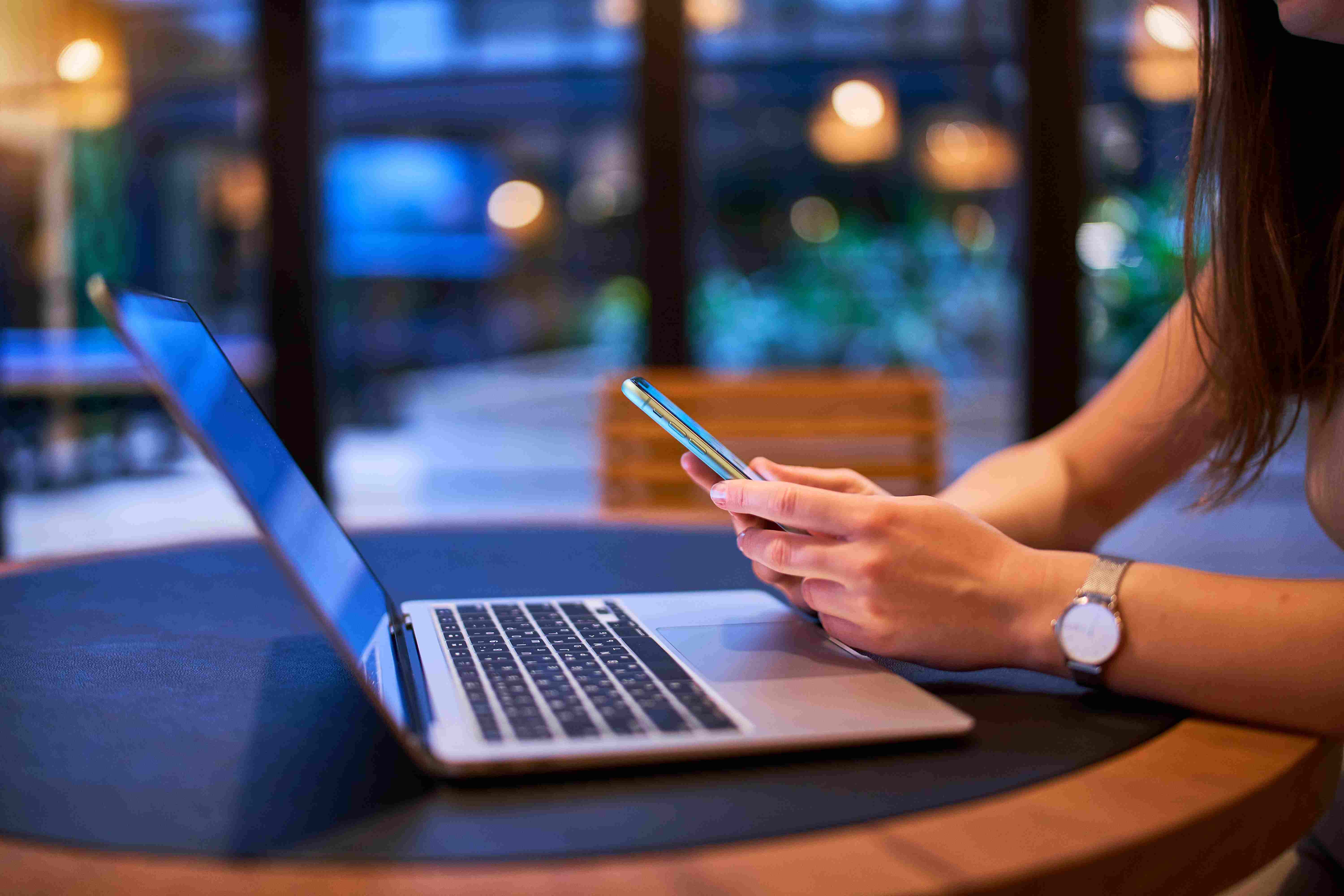
One of the biggest perks of remote work is the freedom to set up your office anywhere—whether it’s a cozy spot at home, a quiet café, or even a scenic outdoor space. But to truly enjoy that flexibility, you need a laptop that’s lightweight, compact, and built for mobility. Lugging around a bulky, heavy machine defeats the purpose of working on the go.
Right now, some of the best laptops for portability weigh around 2.5 to 3.5 lbs (1.1 to 1.6 kg). Devices like the MacBook Air M2 (2.7 lbs), Dell XPS 13 (2.8 lbs), and ASUS ZenBook 14 (3.3 lbs) are popular among remote workers for their balance of performance and easy portability. If you frequently move between workspaces, opting for a model under 14 inches keeps things compact without sacrificing screen visibility.

ASUS Zenbook 14 (photo taken from the web)

MacBook Air M2 photo taken from Apple website
Battery life is another huge factor. What’s the point of having a portable laptop if you’re always tethered to a charger? A minimum of 8 to 10 hours of battery life is ideal for uninterrupted work sessions. Some of the latest models, like the MacBook Pro M3 and Lenovo ThinkPad X1 Carbon, can even stretch up to 15-20 hours on a single charge—perfect for long days without constantly hunting for an outlet.
Personally, I love the freedom of moving around with my laptop. Some days, I work at my desk. Other times, I set up near a window in the dining room for better lighting or, on rare occasions, head to a café for a change of scenery. With a lightweight laptop and a reliable battery, remote work truly feels flexible, letting you work where you’re most productive without being tied down by wires or heavy equipment.
3. Reliable Video Conferencing and Communication
If you work remotely, video calls are probably a big part of your daily routine. A choppy connection, muffled audio, or a grainy webcam can make even the best communicator look unprofessional.
Many budget laptops still have 720p cameras, which often look blurry, especially in low-light conditions. For frequent video calls, look for a laptop with a 1080p (Full HD) webcam for clearer visuals. Some newer models, like the MacBook Pro M3, Dell XPS 15, and HP Spectre x360, even have AI-powered enhancements that adjust lighting and framing to keep you looking sharp. If your laptop’s webcam isn’t great, an external 1080p or 4K webcam (like the Logitech C920 or Razer Kiyo Pro) can be a solid upgrade.
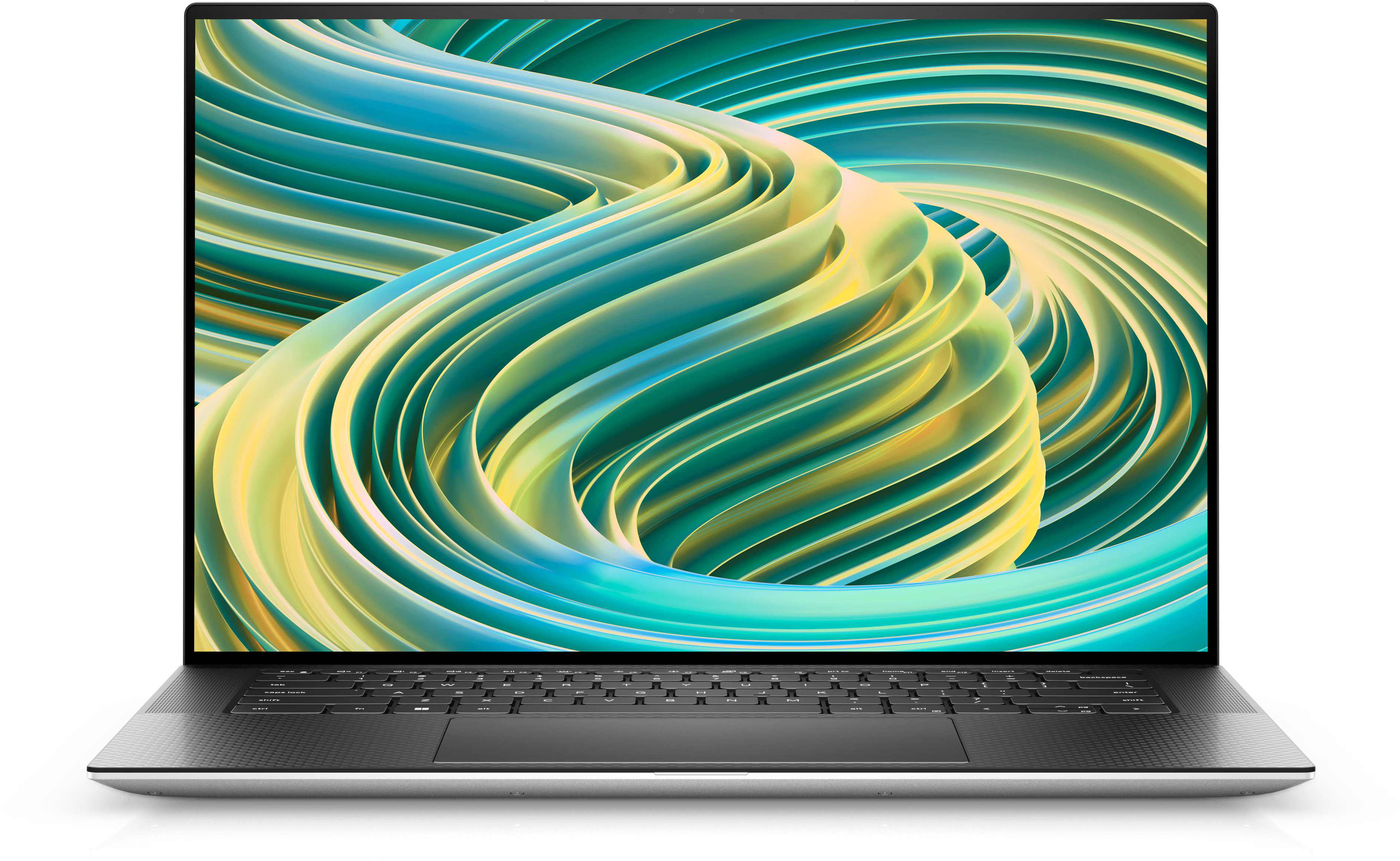
Dell XPS 15 (photo taken from Dell website)
Audio matters just as much as video. Built-in microphones with noise cancellation help filter out background sounds like keyboard typing, barking dogs, or noisy neighbors. Laptops like the Lenovo ThinkPad X1 Carbon and Microsoft Surface Laptop 5 come with dual-array mics that capture your voice clearly while reducing distractions. If your laptop’s mic isn’t cutting it, a USB microphone like the Blue Yeti can give you professional-quality audio for meetings or presentations.
Then there’s connectivity. A fast and stable internet connection is a must, but your laptop’s Wi-Fi capabilities also play a role. Wi-Fi 6 and Wi-Fi 6E technology (found in newer laptops) provide faster speeds, lower latency, and more stable connections—even if multiple devices use the same network. If you frequently experience lag during video calls, upgrading to a Wi-Fi 6-compatible laptop or router can help.
And don’t forget about headphones. If you’re taking calls in a noisy environment, Bluetooth noise-cancelling headphones like the Sony WH-1000XM5 or Apple AirPods Pro can block distractions and make conversations much clearer. I know those devices can be pretty costly, so I rely on my Logitech H111. It’s affordable but does the job.
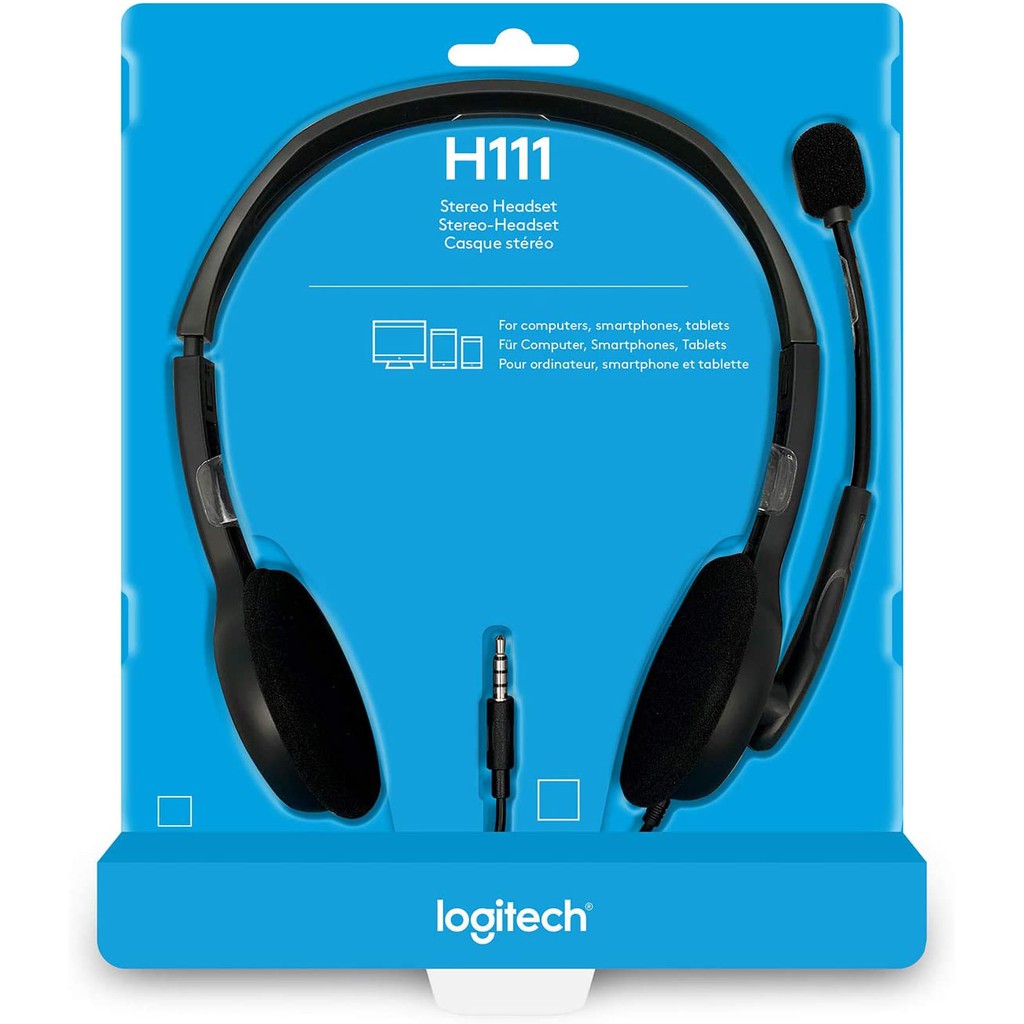
Logitech H111 noise-cancelling headset (photo taken from the web)
I rely on video calls daily for my ESL tutoring sessions, so having a clear webcam and a good mic isn’t just a bonus—it’s a must. Crisp video and clear audio help me maintain a professional presence, while a stable internet connection ensures my students catch every word. There’s nothing more frustrating than a lesson getting derailed by lag or a frozen screen.
To keep distractions at bay, I also installed Neep software on my laptop—because the last thing my students need is a surprise guest appearance from crowing roosters or my dog, Astro, voicing his opinions. 🤣🤣
4. Better Security and Data Protection
Working remotely means handling important files, logging into multiple accounts, and sometimes accessing sensitive company data. The last thing you want is a security breach because your laptop isn’t built with the right protection. A weak password or outdated software can leave you vulnerable to hackers, malware, or even identity theft.
One of the best built-in security features in modern laptops is biometric authentication. Instead of relying solely on passwords (which can be guessed or stolen), newer models come with fingerprint scanners and facial recognition for faster, more secure logins. Laptops like the MacBook Air M2, Lenovo ThinkPad X1 Carbon, and Dell XPS 13 have these features, ensuring that only you can access your device.

Lenovo ThinkPad X1 Carbon (photo taken from Lenovo website)
Another essential feature? Automatic software updates and antivirus protection. Keeping your laptop’s operating system, browsers, and security software up to date helps prevent cyber threats. Windows laptops with Microsoft Defender offer built-in protection, while MacBooks come with Gatekeeper and XProtect, which scan for malicious software. For added security, premium antivirus programs like Bitdefender, Norton, or McAfee can provide extra layers of protection.
If you work remotely, Wi-Fi security is another big concern. Public networks (like those in cafés or co-working spaces) are convenient but often unsecured, making them a prime target for hackers. A laptop with built-in VPN support (or using a standalone VPN like NordVPN or ExpressVPN) encrypts your connection, keeping your data safe from prying eyes. For my content writing job, I use the free version of VeePN.
5. Future-Proofing Your Remote Work Setup
Technology moves fast, and if your laptop struggles to keep up now, it’ll only get worse in a few years. Investing in a machine with up-to-date hardware and long-term durability ensures you won’t need an upgrade anytime soon. A future-proof laptop saves money in the long run while keeping you productive without frustrating slowdowns.
Another overlooked aspect is display quality. Many modern laptops now come with OLED or high-refresh-rate screens, offering better visuals and eye comfort. A 1920×1080 (Full HD) resolution is standard, but if you want crisp visuals for years to come, 2K or 4K displays are worth considering—especially for designers, video editors, or anyone who stares at a screen all day.
Right now, I’m satisfied with my Lenovo ThinkPad with a Ryzen 7 processor. It’s fast, handles multitasking well, and hasn’t given me any major headaches. That said, screen brightness is one thing I wish were better. In not-so-well-lit spaces, I sometimes find myself adjusting angles or shifting seats just to see my screen clearly. It’s not a deal-breaker, but it’s a small reminder that no laptop is perfect.

My 3-yr old Lenovo & Kuromi peeking 😹
Final Thoughts
A laptop is the backbone of your remote work setup. The right one makes your job easier, helps you stay productive, and eliminates unnecessary stress. If your current laptop struggles to keep up, consider upgrading before slow performance starts costing you time (and patience).
 From My Corner of the Couch