


I’ve been working from home for three years now, and it’s been a solo juggling act. I’m mostly on my own, especially when it comes to dealing with those annoying tech glitches that pop up. I bought my laptop in 2021, so it’s still fairly new, but I guess it’s showing signs of wear and tear since I use it for 12-15 hours a day.
Lately, I’ve been experiencing a few issues that weren’t there before, and most of the time, it’s driving me crazy! But I can’t let it get to me because this is how I make a living.
If you’re also working from home and having similar problems with your tech devices, you might find some of my solutions helpful.
1. My Browser Issues
The first problems I had with my browser were simple things like not being able to edit files on SharePoint or paste text into the apps we use at work. Some sites also took forever to load. I’ve been using Chrome for ages, but suddenly I was having all sorts of weird problems:
- The enter key wouldn’t work when searching
- I couldn’t paste data into certain apps
- And the list goes on…
I was so frustrated trying to figure out what was going on, especially since it was slowing down my work. But it turns out, all I had to do was restore my browser settings! Easy peasy.

How to Restore Your Browser Settings
- Open Chrome and click on the three dots in the top right corner.
- Select “Settings.”
- Scroll down and click on “Advanced.”
- Under “Reset and clean up,” click on “Restore settings to their original defaults.”
- Confirm by clicking “Reset settings.”
Don’t worry, bookmarks, history, and saved passwords won’t be affected.
2. My Keyboard Dilemma
Some of the letters on my keyboard, especially on the right side, stopped working. I think it’s because I type pretty hard. I looked into getting it repaired, but it was going to cost me P3,500! I wasn’t sure if I wanted to spend that much since I had just spent P7,000 to reformat my laptop and replace the SSD. But I really needed a working keyboard for my job, and I needed it ASAP.
My coworker suggested getting a Bluetooth keyboard as a temporary solution. I ordered one online, but it would take two days to arrive, and I was getting stressed out about my broken keyboard. Then, I stumbled upon a solution: the built-in On-Screen Keyboard!
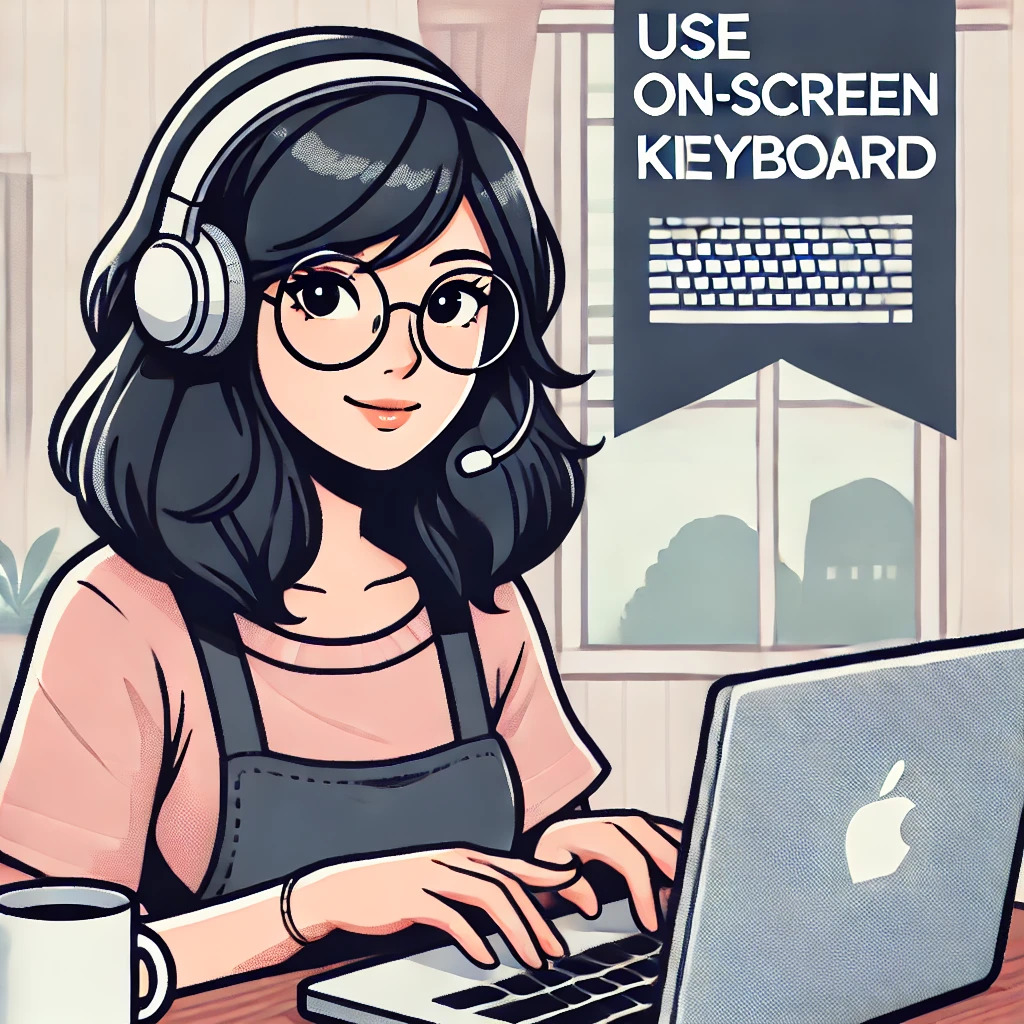
How to Use the On-Screen Keyboard
- Go to your Start Menu and search for “On-Screen Keyboard.”
- Click on it to open.
- You’ll see a virtual keyboard on your screen.
- Click on the keys with your mouse to type.
3. My Headphones Problem
For my part-time online job as an ESL tutor for Japanese students, we use a special platform for scheduling, lessons, and materials. The platform also has a lesson room where we’re required to check our equipment (browser, camera, headphones) to make sure the teaching quality is good.
One morning, I couldn’t hear anything on my headphones, even though the platform detected them just fine. I panicked, and it ended up causing me to miss two lessons. I even had my sister-in-law try to troubleshoot it.

But guess what? The solution was simple: I just had to switch browsers. I went from Chrome to Microsoft Edge, and it’s been my go-to browser ever since. Lesson learned: Don’t panic!
Share Your Stories!
If you’ve had any tech issues that you’ve solved on your own or with help, please feel free to share them in the comments. We can all learn from each other’s experiences!
 From My Corner of the Couch
One thought on “Three Tech Troubles I Tackled Working From Home”